
Riqueza Digital

How to set up and use quick replies on Instagram

Set up quick responses

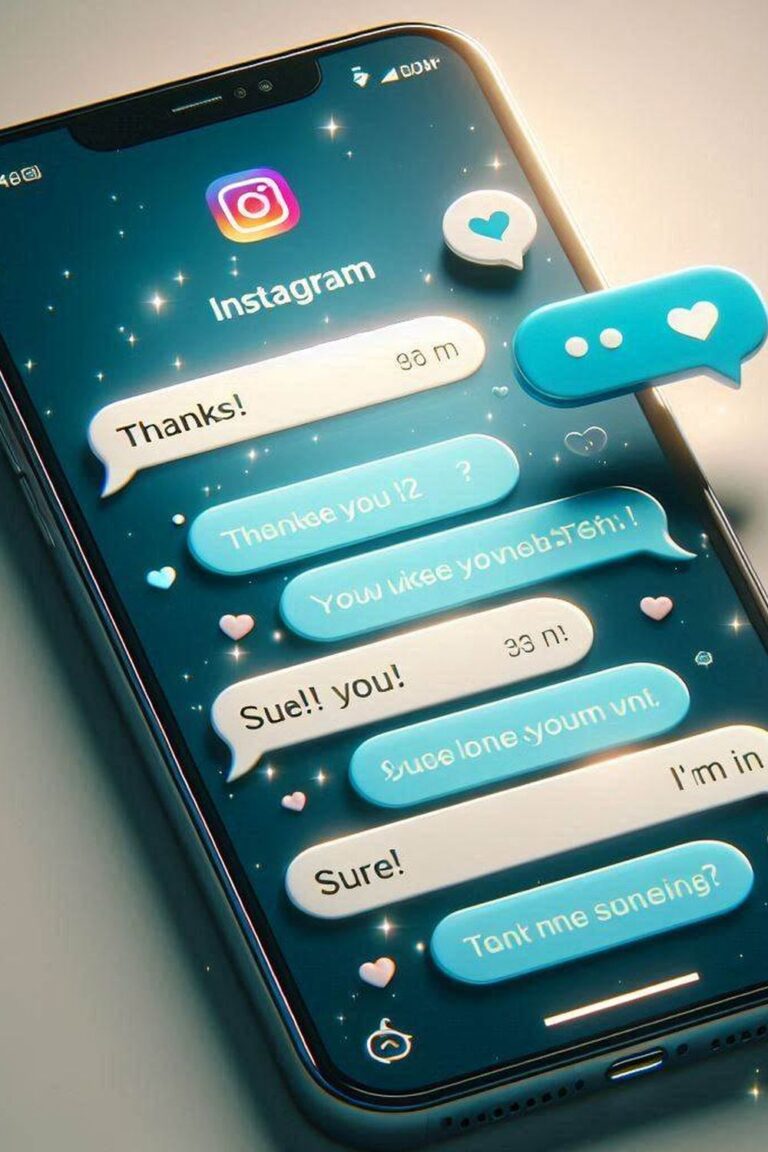
Instagram provides a lot of interesting tools to efficiently manage our communications with our followers. Among them is the direct message function, one of the simplest and also one of the most used.

But we will not always be online to attend these direct messages, that’s why Instagram has the function of creating predefined answers to answer frequently asked questions, saving you time and at the same time, allowing you to maintain a high level of interaction with your audience.

Setting up quick responses is easy. Just go to your profile, open the settings and select the “Quick responses” option. It is here that you will be able to create predefined messages for various situations that will be available to be offered quickly in response to relevant questions.

Once you have configured a good set of automatic quick responses, you will be able to send these responses with just a few taps, ensuring that your followers receive a quick and professional response, and saving your time significantly by not having to waste time always answering the same thing in similar situations of interaction with your audience.

It is no longer just about improving your efficiency, but also shows your followers that you care about them, that you are attentive to their needs, and that you have foreseen their doubts and concerns.

This tool is almost essential for commercial accounts that receive a high volume of daily queries, since a quick and professional response will create a very good impression on the followers who interact with you.


Sigue nuestros consejos en You Tube.

No olvides suscribirte a nuestro canal de YouTube para ver más consejos como este.

Haz click aquí

Guarda nuestros pins para tenerlos siempre a mano.

Descubre en Pinterest más recursos clave para mejorar tus finanzas y expandir tu negocio.

Haz click aquí


Suscríbete a nuestro canal de Instagram para no perderte nada.

Síguenos en nuestra comunidad de Instagram y mantente al día de nuestras últimas publicaciones.

No olvides compartir este artículo con quien creas que le puede interesar.

Recuerda: La riqueza está en compartir

Más consejos similares

Marketing in networks

How to use educational content on Instagram to increase sales.

It seems obvious that posting educational content on Instagram can be quite an effective and powerful tool when it comes to driving sales. In fact, you can use educational content to provide your audience with useful and relevant information about your products or services. In fact, sharing practical tips, tutorials

Leer completo »
Time management

Delegation of non-essential tasks

No matter how much you want to, there will come a time when you can’t do it all by yourself, and you must delegate non-essential tasks as a first leadership strategy and very necessary for those who really want to maximize their efficiency. Prioritizing critical activities and knowing how to

Leer completo »

En la misma temática:

How to create urgency in marketing

One of the most effective and successfully used marketing strategies is to create urgency. In marketing, giving your audience a sense of urgency can motivate potential buyers to make quick decisions to not

Leer más »